From arriving at our charging bay to driving away powered up in as little as 15 minutes.
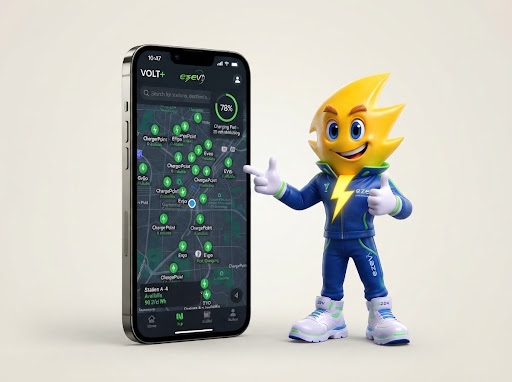
Use the EZEV app or interactive map to locate nearby rapid chargers. Check connector availability, power rating, and live pricing before you arrive.
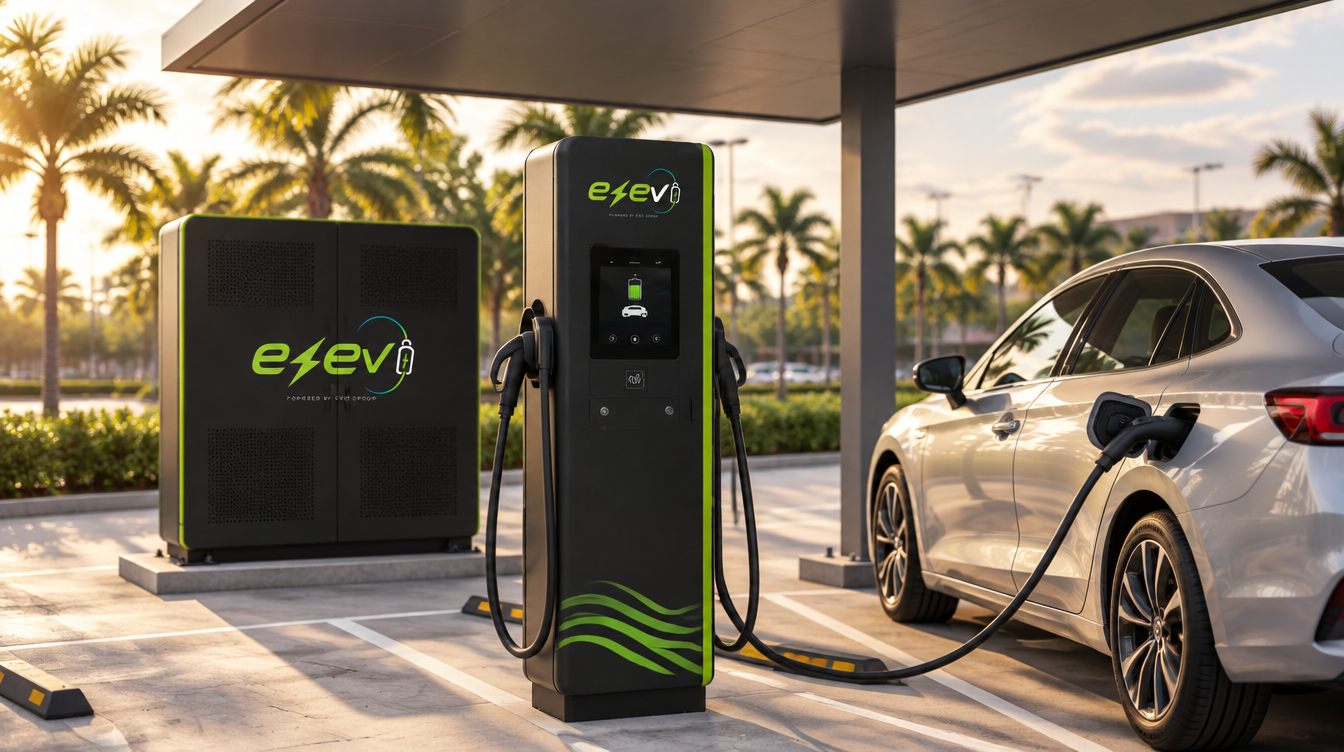
Scan the QR code displayed directly on the charger terminal or tap your EZEV RFID card. You can also trigger the session via the mobile app with one tap.
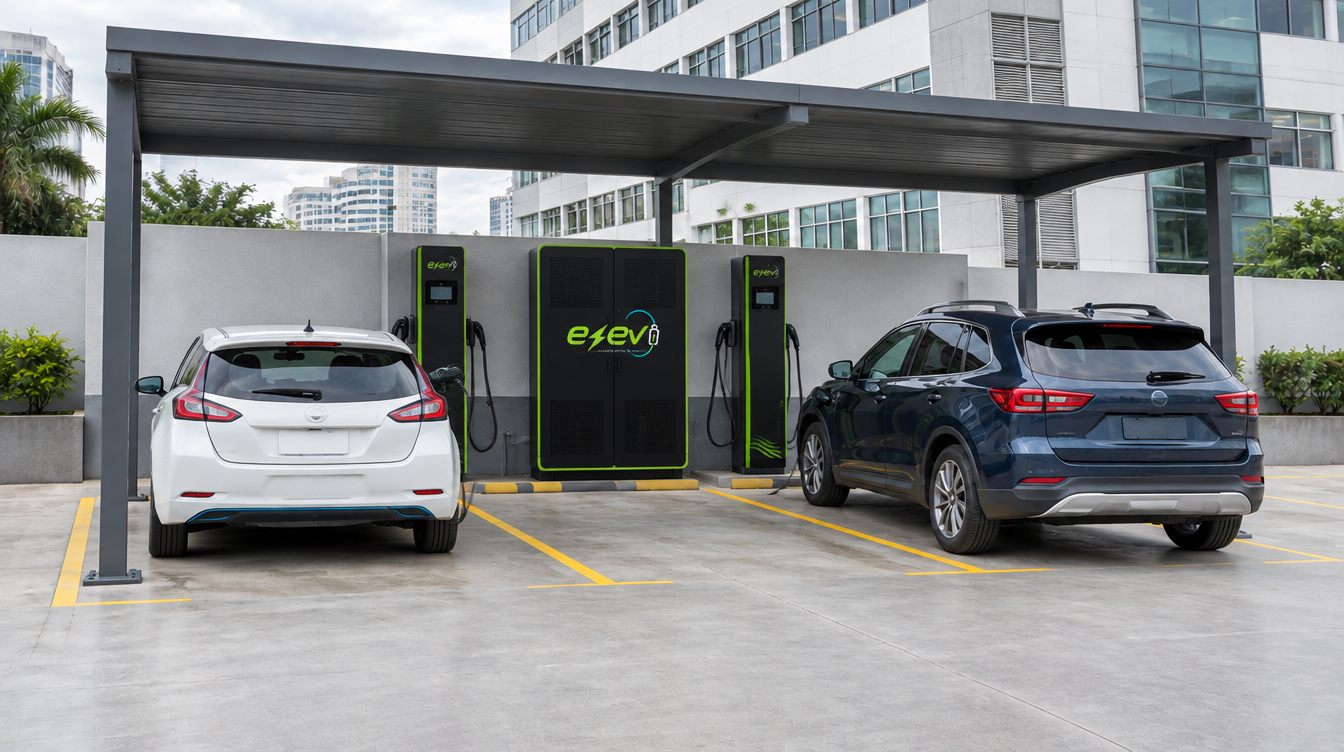
Remove the ergonomic CCS2 charging plug from the holster and insert it firmly into your vehicle’s charge port until you hear the electronic locking click.

Sit back and relax. Monitor charging speed (kW), energy delivered (kWh), and battery level in real-time through the EZEV app or the dispenser screen.
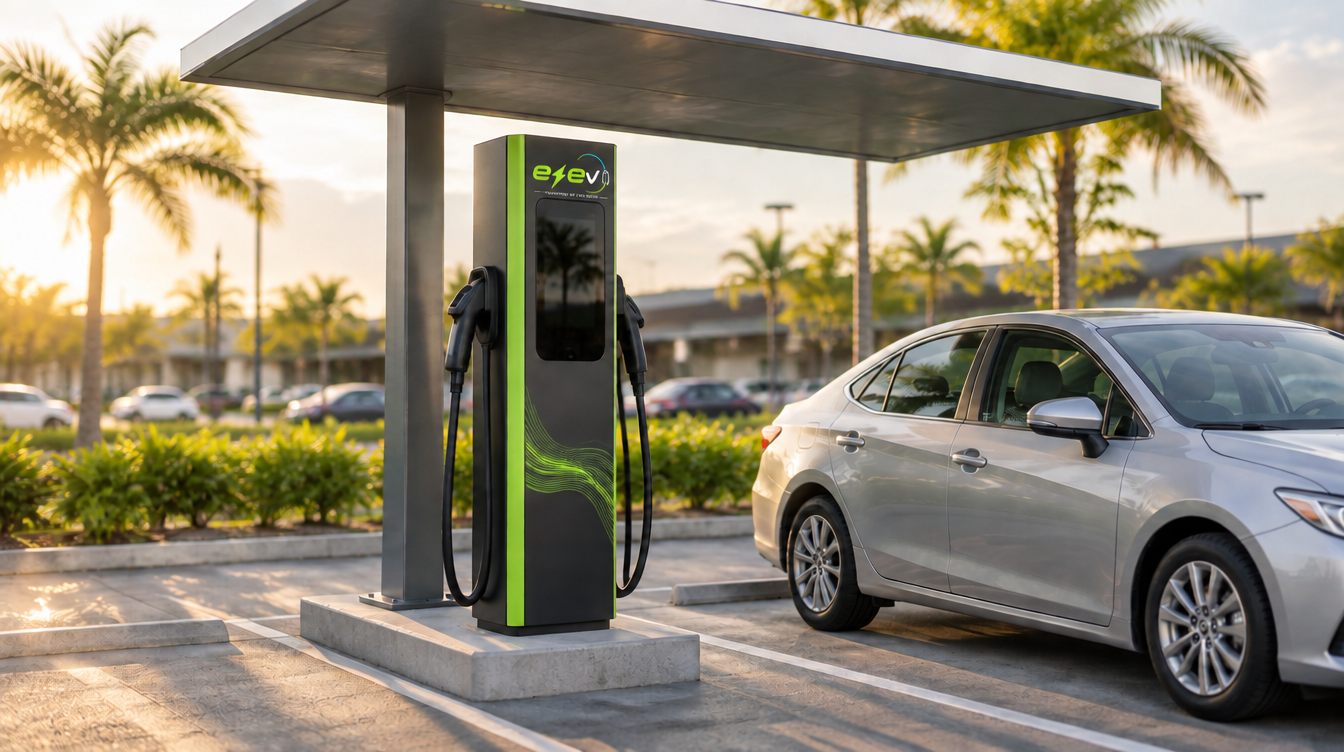
Tap “Stop Session” in your app or on the kiosk screen. Press the connector trigger release to unlatch, holster the cable securely back on the unit, and enjoy your journey!
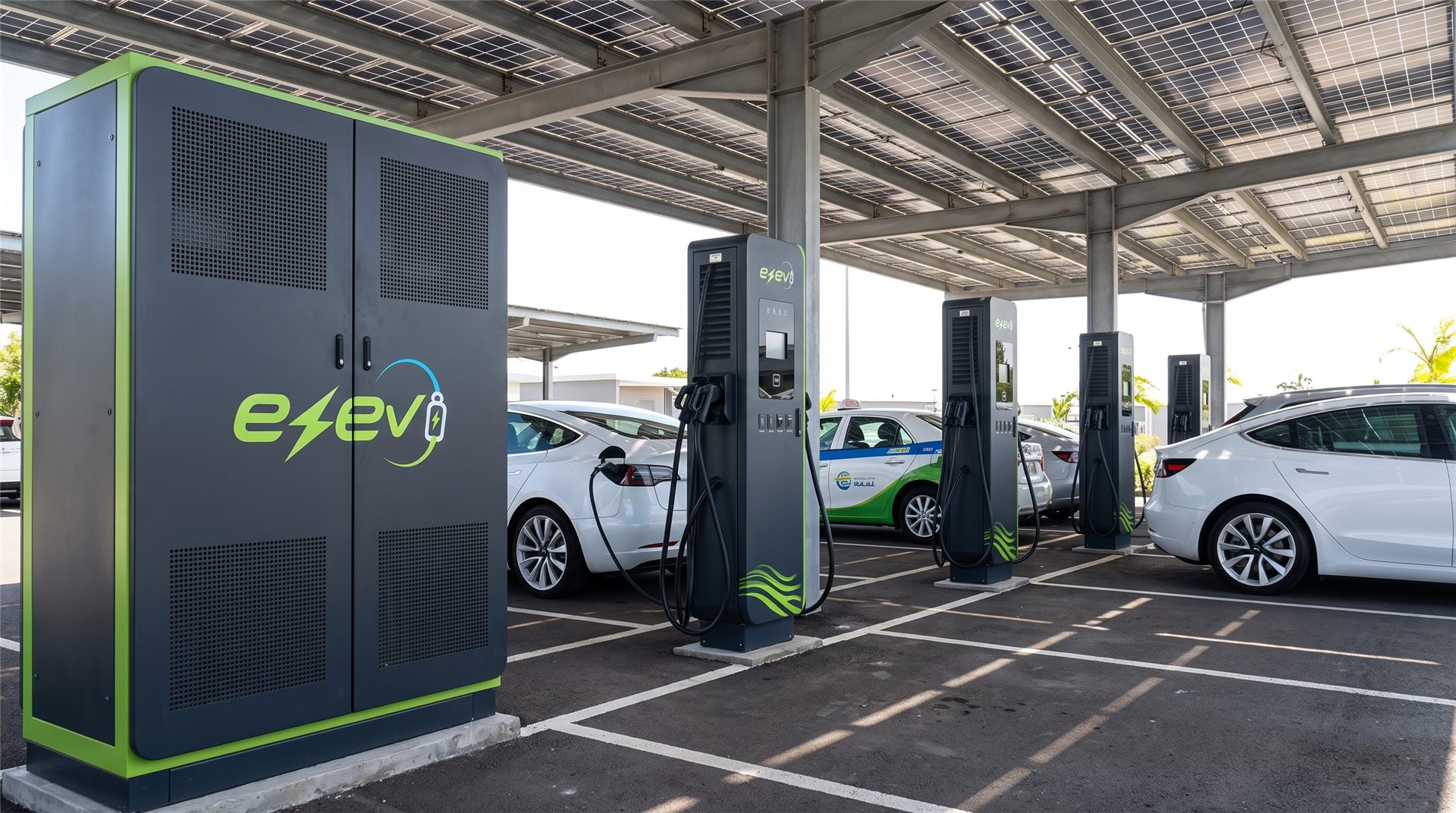
Real-time charger locator, stall reservations, automated contactless billing, and battery health analytics directly in your pocket.
Pick a channel for fast support